- What permissions do you give others to modify and/or maintain your submission?
- Modify: YES - Maintain: YES - I give permission for my entire submission to be modified by others or used in their own work. I give permission for my entire submission to be maintained by others as well.
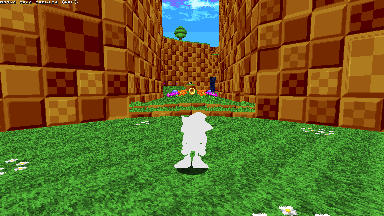
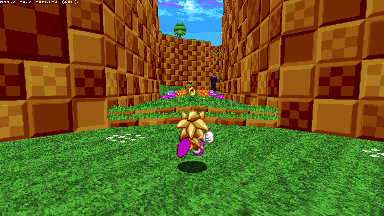
Is this too boring for you?
What about a change of color?
Translations are an SRB2 feature that lets you change an object's rendering to modify its color. This addon lets you change your character's translation. It also supports adding custom translations!
SRB2 contains some vanilla Lua translations, being: Grayscale, AllWhite, AllBlack, Invert, and DashMode. However, custom translations can be defined in the TRNSLATE lump of an addon. More info can be found here: https://wiki.srb2.org/wiki/Translations
To set your translation, use the command "Translation <Translation><Variant> <-default>."
<Translation> is your base translation, <Variant> is the variant for that translation (EX: SCBlueSoft has a variant of Soft), and if you set -default then your translation will be saved as the default that will be loaded in any netgames you join.
To add custom translations to this addons list, simply use the function Translation.Add("YourTranslationHere") in Lua. Make sure your translation is case-specific to what it is in TRNSLATE. A demonstration file CustomTranslation.pk3 is also attached.
To add a translation variant, use Translation.AddVariant("OriginalTranslationHere", "Variant").
To add an animated translation, use Translation.AddAnim("TranslationNameHere," "Frames, "TicSpeed").
Examples of these functions can be found within the PK3.
Have fun!