

- What permissions do you give others to modify and/or maintain your submission?
- Modify: YES - Maintain: YES - I give permission for my entire submission to be modified by others or used in their own work. I give permission for my entire submission to be maintained by others as well.
As one of the many unchanged sprites in the vanilla game, I thought it would be a fun idea to try and recreate the one time use alarm sprite and try expanding it to do more things. This is what came of it.

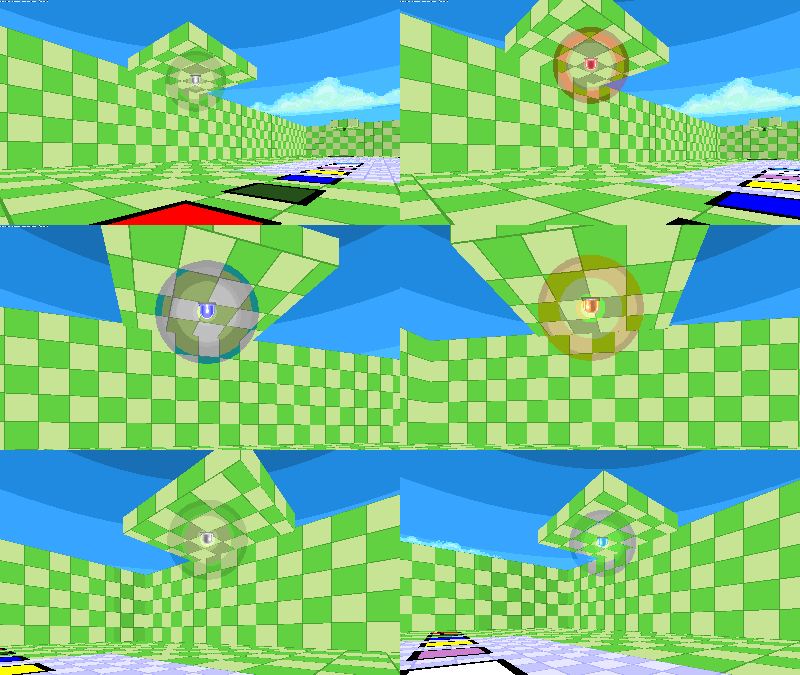
EGG-LEDs: An alarm that can be customized to do many different things in levels with interchangeable colors!
Featuring 7 colors of its own!
ALARM FUNCTIONS
EGG-LEDs: An alarm that can be customized to do many different things in levels with interchangeable colors!
Featuring 7 colors of its own!
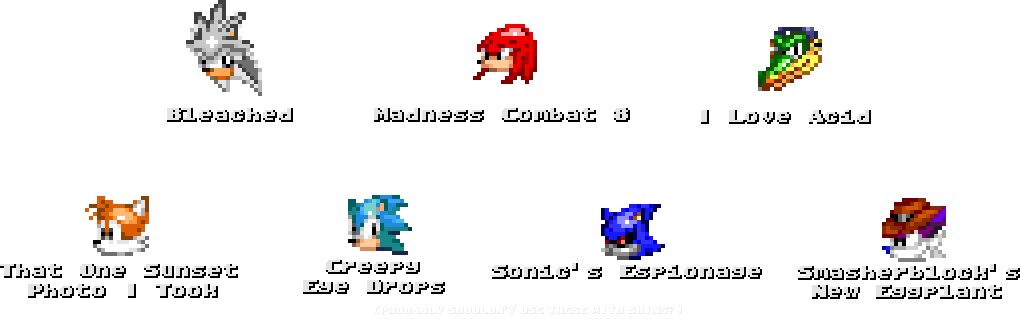
the names don't mean anything
ALARM FUNCTIONS
ON & OFF
These two are simple enough; when they're turned off, animations and sound don't play and the sprites change from a glowing spinning light to a dormant state that bares similarity to the vanilla game's sprite.
Obviously, all other functions will feature what I described as the need the two states to call for more complex ones.
ALARM SWITCH
What this basically entails is you can have it set to where a specific area for it to either switch it to ON or OFF depending on how you want it to be set in your level, or have it be set ON only when on the switch. Self destruct sequence? Containment breach? Want your door to open extra fancy? This is what the function's for.
This also allows for you to either have it activate via a player, or a moveable object like a gargoyle, so that opens up more possibilities to use in a level.
What this basically entails is you can have it set to where a specific area for it to either switch it to ON or OFF depending on how you want it to be set in your level, or have it be set ON only when on the switch. Self destruct sequence? Containment breach? Want your door to open extra fancy? This is what the function's for.
This also allows for you to either have it activate via a player, or a moveable object like a gargoyle, so that opens up more possibilities to use in a level.
This state allows you to have the alarm turn ON when getting close to it. Useful for more specific interactions in levels, so while this may be more niche than the other 2 functions, it is included for those who may want to have something like this in their levels.
(NOTICE: This is called 'MoCap' in SLADE & the Test Maps, if you're looking for further query on how to switch these functions, keep that in mind.)
EXTRAS
Coronas! Transparent lights to fancy up the alarms. These can be toggled between a Large, Medium and Small variant. Additionally, you can have it set to no coronas appear for the alarm sprite when toggled on.
That's about it lol
CREDITS
blacc (me) - Sprite Artist and Skincolor enthusiast
Enes2gamer - Mapmaker & Alarm Coder
klasky - SOCdude (helped with coding at the start of this project)
Lugent - Helped assist coding for binary users

